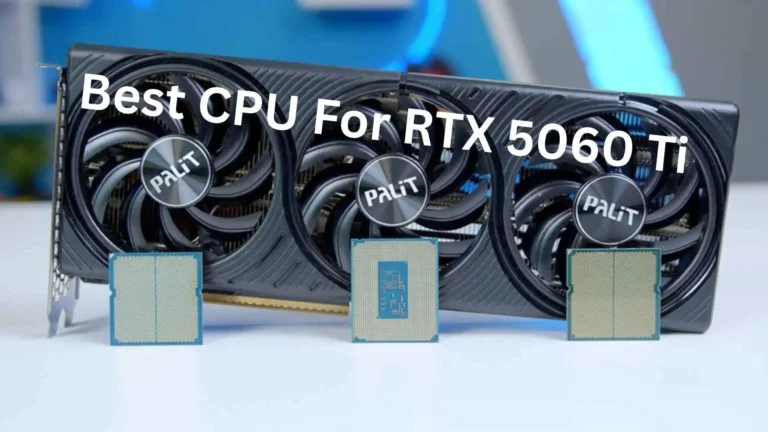
Best CPU for RTX 5070: Matched Pairings for Every Budget
Best CPU for RTX 5070: Matched Pairings for Every Budget
The RTX 5070 is built around 1440p as its sweet spot, which means it doesn’t demand the most expensive CPU on the market to perform well. This guide covers the processors that keep it fed without overspending, and where it’s genuinely fine to save money.
Quick Recommendation
| Budget | CPU | Best For |
|---|---|---|
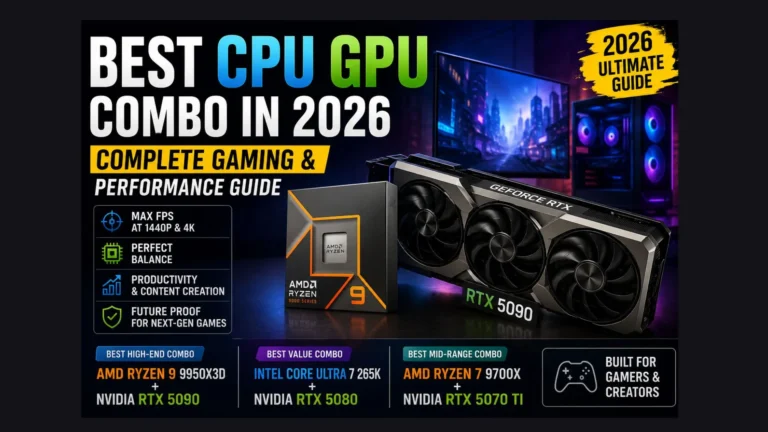
| Best Overall | AMD Ryzen 7 7800X3D | Clean 1440p pairing, no bottleneck |
| Best Value | AMD Ryzen 5 7600X or Ryzen 5 9600X | Budget builds targeting 1440p |
| Best High-Refresh 1080p | AMD Ryzen 7 9800X3D | 144Hz+ competitive gaming |
| Best for Gaming + Productivity | AMD Ryzen 9 7950X | Streaming, rendering, heavy multitasking |
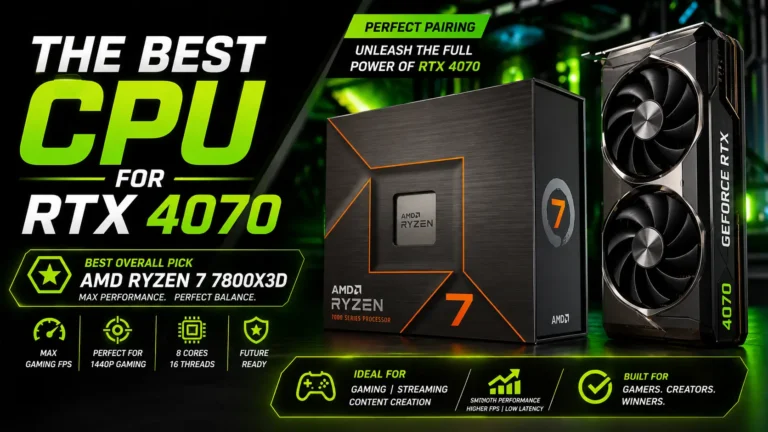
Best Overall: AMD Ryzen 7 7800X3D
This is the pairing most builders should land on. Its stacked cache keeps the RTX 5070 well fed at 1440p, runs cool, and leaves room on the AM5 platform for a future CPU upgrade without replacing the motherboard. Bottleneck testing at 1440p puts this combination close to fully balanced, meaning there’s little practical benefit to spending more on a CPU for pure gaming at this resolution.
Best Value: AMD Ryzen 5 7600X or Ryzen 5 9600X
If budget matters more than squeezing out the last few frames, either of these delivers the large majority of the 7800X3D’s real-world performance at 1440p for meaningfully less money. The gap narrows further the higher your resolution goes, since the GPU does more of the work as pixel count increases.
Best for High-Refresh 1080p: AMD Ryzen 7 9800X3D
If you’re running a 144Hz or 240Hz monitor at 1080p rather than 1440p, CPU choice matters more, since hitting higher frame rates puts more demand on single-core performance and frame time consistency. The 9800X3D is the safer choice here specifically because of its stronger 1% low performance, not just its average FPS.
Best for Gaming and Productivity: AMD Ryzen 9 7950X
Worth considering if the system also handles streaming, video editing, or 3D rendering alongside gaming. The additional cores help with these workloads without giving up much ground in games, where the RTX 5070’s own performance ceiling is the bigger factor at 1440p regardless.
Does Resolution Change This Recommendation?
Yes, more than with higher-end GPUs. At 4K, the RTX 5070 is GPU-bound the large majority of the time, meaning even a budget-tier CPU performs close to identically to a flagship one. At 1080p with a high refresh-rate monitor, CPU choice becomes the more important decision, since the GPU can render frames faster than a weaker processor can supply them.
Related Tools & Guides
Not sure a pairing above fits your build? Run it through our bottleneck calculator, check VRAM headroom with the VRAM calculator, or see estimated frame rates with the FPS calculator.
Frequently Asked Questions
Is a Ryzen 9 or Intel i9 overkill for the RTX 5070?
For pure gaming, yes. The extra performance over a Ryzen 7 or Intel i7 level chip is marginal in games, and only pays off if you’re also doing heavy content creation or multitasking.
Do I need DDR5 for these CPU pairings?
Yes for the AMD options listed, since AM5 requires DDR5. Running memory at the platform’s recommended speed in dual-channel mode meaningfully affects real-world gaming performance.
Will an older AM4 CPU bottleneck the RTX 5070?
It depends on the specific chip and resolution. A strong AM4 option like the Ryzen 7 5700X3D can still pair reasonably well at 1440p, though newer AM5 chips generally leave less performance on the table.
Should I check my exact pairing before buying?
Yes — run your current or planned CPU and GPU through the calculator above to get an estimate specific to your resolution and workload rather than relying on general recommendations alone.