
Frequently Asked Questions
Does the RTX 5060 Ti need a flagship CPU?
No — a current-generation six-to-eight-core CPU like the ones recommended in this guide is enough to keep it from being bottlenecked in most games.
Is the Ryzen 5 7600 a downgrade from the Ryzen 7 9700X for this GPU?
It’s a budget-focused alternative, not a downgrade in practical terms for most gaming — the difference shows up mainly in heavier multitasking or future headroom.
Will this GPU be bottlenecked at 1080p?
Less likely than higher-end cards, since the RTX 5060 Ti sits in the mid-range tier where a solid modern CPU comfortably keeps pace.
How do I confirm my own CPU pairing?
Use our <a href=”https://pcbottleneckcheck.com/bottleneck-check/”>bottleneck calculator</a> for a result based on your exact setup.
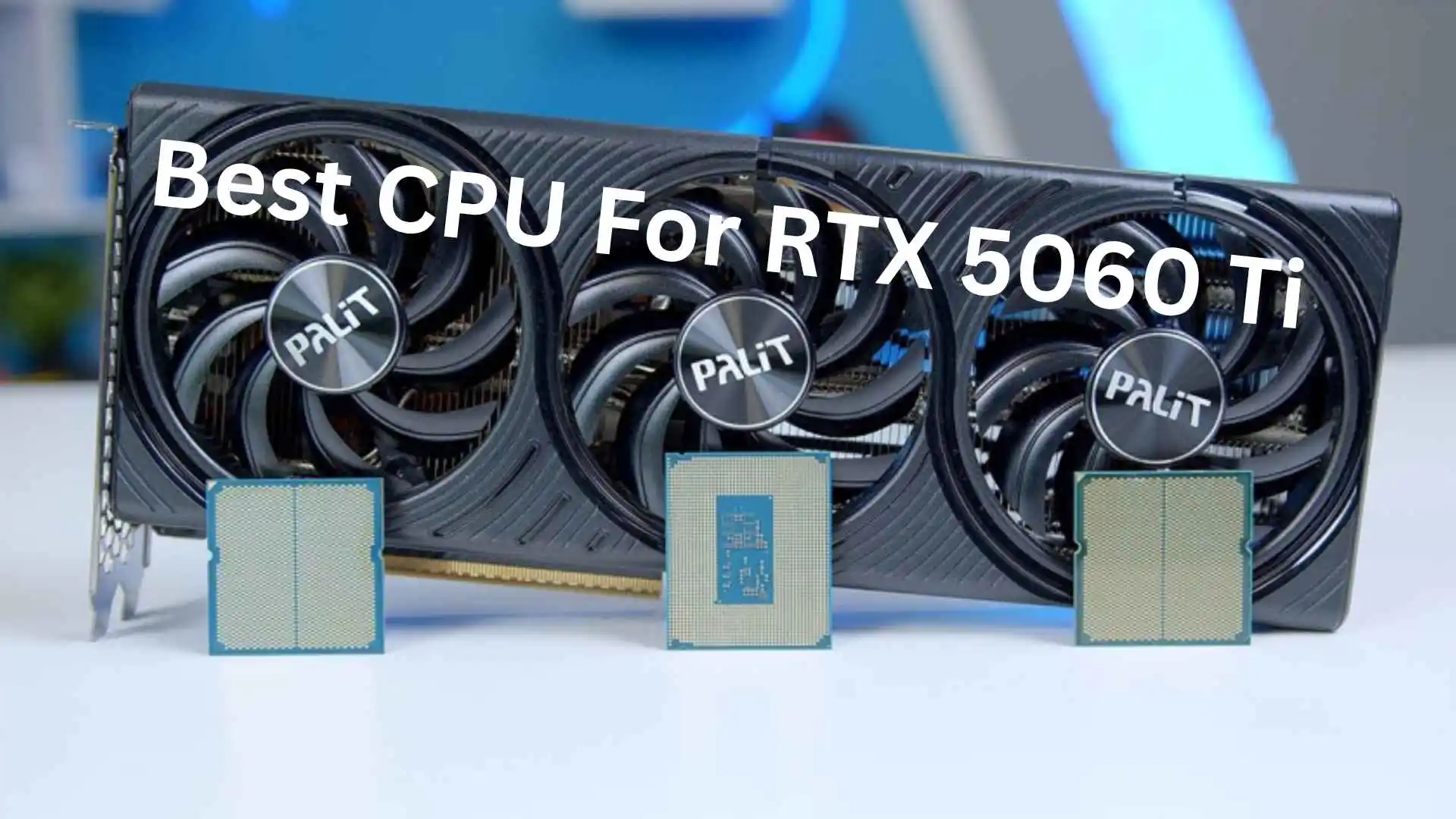
Best CPU for RTX 5060 Ti in 2026: Complete Buyer’s Guide
Many users face hidden issues when their powerful GPU, like the RTX 5060 Ti, fails to deliver its full performance due to a weak CPU pairing. They spend a large part of their budget on a graphics card, only to experience frustration because of system bottlenecks. If you’re confused about which CPU to pair with your GPU for optimal performance, this guide provides a clear, realistic, and logical roadmap.
The RTX 5060 Ti is a fantastic mid-range GPU, but its true performance potential only shines when matched with a balanced CPU. Choosing poorly often leads to wasted money and persistent frustration, while choosing wisely brings genuine excitement every time you boot up a demanding game. Below, we’ll explore the best CPUs for this GPU, common mistakes to avoid, and future-proofing tips that keep your build relevant for years.
Why CPU Choice Matters for the RTX 5060 Ti
A GPU doesn’t operate in isolation. The CPU feeds it instructions, and if that pipeline is too slow, your expensive graphics card sits idle waiting for data. This is called a CPU bottleneck, and it’s one of the most common sources of frustration among PC builders who assumed “more GPU power equals more FPS” without considering the supporting hardware.
Common Symptoms of a Bottleneck
Users often notice stuttering in CPU-heavy games, inconsistent frame times, or lower-than-expected benchmark scores. These issues can turn an exciting unboxing experience into a confusing troubleshooting session.
Recommended CPU Options for 2026
Here’s a breakdown of CPUs that pair excellently with the RTX 5060 Ti across different budgets and use cases.
| CPU | Best For | Price Tier | Notes |
|---|---|---|---|
| AMD Ryzen 7 7700 | Best upgrade option | Mid-range | Excellent gaming and productivity balance |
| Intel Core i5-14600K | Value gaming | Mid-range | Strong multi-threaded performance |
| AMD Ryzen 5 7600 | Budget builds | Entry-level | Reliable 1080p/1440p performance |
| Intel Core i7-14700K | High-end gaming | Premium | Future-proof for demanding titles |
| AMD Ryzen 7 9700X | Best overall pairing | Mid-to-high | Efficient, modern architecture |
Top Recommended CPU: AMD Ryzen 7 9700X
For most users, the Ryzen 7 9700X stands out as the recommended CPU for the RTX 5060 Ti. It offers excellent power efficiency, strong single-core performance for gaming, and enough multi-threading muscle for streaming or content creation. Pairing these two components creates a balanced system where neither part holds the other back.
Best Upgrade Option for Budget Builders
If you’re upgrading from an older system and don’t want to break the bank, the AMD Ryzen 5 7600 is genuinely the best upgrade option available right now. It delivers a massive jump from previous-generation chips without forcing you into a premium price bracket, making the upgrade feel rewarding rather than stressful.
Real-World Example
A user upgrading from a Ryzen 5 3600 to a 7600 alongside their new RTX 5060 Ti reported a noticeable jump in 1% low frame rates in competitive shooters, transforming a previously laggy experience into one that’s genuinely fun to play.
Common Mistakes to Avoid
Many buyers make avoidable errors that lead to disappointment.
- Pairing a high-end GPU with an old DDR4 budget CPU, expecting full performance
- Ignoring motherboard compatibility (chipset and socket type)
- Overlooking cooling requirements for higher-end processors
- Skipping BIOS updates, which can cause instability or missed performance gains
- Assuming more cores always equals better gaming performance
Avoiding these mistakes prevents the kind of buyer’s remorse that turns excitement into frustration within days of building your PC.
Pros of Proper CPU and GPU Matching
- Delivers consistent and stable frame rates in games
- Reduces heat and unnecessary power consumption
- Provides smoother and more responsive overall gaming experience
- Ensures the GPU (like RTX 5060 Ti) performs at its full potential
- Improves both gaming and productivity performance when balanced correctly
Cons of Mismatched Builds
- Wasted GPU performance due to CPU bottleneck
- Confusing or inconsistent benchmark results
- Lower FPS and stuttering in CPU-heavy games
- Overspending without getting expected performance gains
- Overall frustrating user experience after building the PC
Future Guidelines for 2026 and Beyond
As games increasingly leverage multi-core processing and AI-driven features, choosing a CPU with strong multi-threaded performance and PCIe 5.0 support is wise. This ensures your RTX 5060 Ti remains relevant for several years, protecting your investment and keeping your gaming experience enjoyable long-term.
Final Thoughts
Choosing the best CPU for your RTX 5060 Ti doesn’t need to be overwhelming. With options like the Ryzen 7 9700X as a top recommended CPU and the Ryzen 5 7600 as the best upgrade option, you can build a system that feels balanced, powerful, and genuinely fun to use every single day.
You can use our Bottleneck Calculator to quickly check CPU and GPU compatibility and optimize your PC build for the best performance

One Comment
Comments are closed.