Best CPU for RX 7800 XT: Matched Pairings for Every Budget
Best CPU for RX 7800 XT: Matched Pairings for Every Budget
The RX 7800 XT is a strong 1440p card, and a lot of its value comes from not needing a flagship CPU to keep it fed. This guide covers the processors that pair well with it across budgets, and where you can genuinely save money without leaving performance on the table.
Quick Recommendation
| Budget | CPU | Best For |
|---|---|---|
| Best Overall | AMD Ryzen 7 7800X3D | 1440p and 4K, no meaningful bottleneck |
| Best Value | AMD Ryzen 5 7600 or Ryzen 5 7600X | 1440p builds on a budget |
| Best AM4 Option | AMD Ryzen 7 5700X3D | Upgrading without a new motherboard |
| Intel Alternative | Intel Core i5-12600K or i5-14600KF | Builders already on Intel platforms |
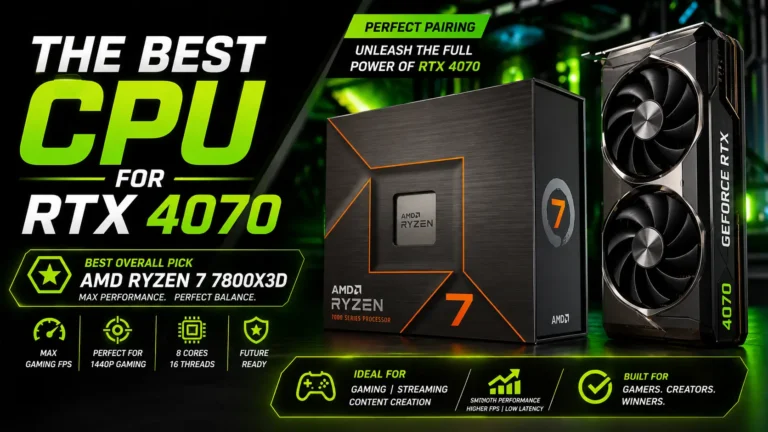
Best Overall: AMD Ryzen 7 7800X3D
This pairing avoids any meaningful bottleneck at both 1440p and 4K, and its stacked cache gives it an edge in CPU-heavy titles over CPUs without the extra cache. It’s more processor than the RX 7800 XT strictly needs at 1440p, but it leaves headroom if you upgrade to a stronger GPU later without needing a second CPU upgrade at the same time.
Best Value: AMD Ryzen 5 7600 or Ryzen 5 7600X
This is where most builders should actually land. At 1440p, GPU usage stays above 95% with either of these CPUs while CPU usage sits comfortably lower, meaning the RX 7800 XT — not the processor — is doing the limiting. The 7600 also ships with an included cooler, which trims a bit more off total build cost.
Best AM4 Option: AMD Ryzen 7 5700X3D
If you already have an AM4 motherboard and want to avoid the cost of switching to AM5, this chip pairs well with the RX 7800 XT at 1440p with only a small performance gap compared to AM5 options. It’s the sensible choice specifically for avoiding a full platform change, not necessarily the best pairing in isolation.
Intel Alternative
The Core i5-12600K or i5-14600KF both keep the RX 7800 XT reasonably fed at 1440p and offer DDR4 compatibility on select motherboards, which can lower total platform cost compared to a new AM5 build. These make the most sense if you’re already invested in an Intel platform or specifically want to avoid DDR5 pricing.
Does Resolution Change This Recommendation?
Yes, significantly. At 1080p, CPU choice matters more, and a weaker or older processor can leave a real share of the RX 7800 XT’s performance unused in CPU-intensive titles. At 1440p — this card’s intended resolution — even the budget-tier options above avoid a meaningful bottleneck. At 4K, the GPU becomes the limiting factor regardless of which of these CPUs you choose, so the differences between them shrink to a few percent at most.
Related Tools & Guides
Double-check any of these pairings with our bottleneck calculator, confirm VRAM headroom with the VRAM calculator, and compare specific CPUs side by side with Compare CPUs and GPUs.
Frequently Asked Questions
Do I need an 8-core CPU for the RX 7800 XT?
Not strictly for gaming at 1440p — six cores handle this resolution well. Eight cores add headroom mainly for background tasks, streaming, or future GPU upgrades, not for the RX 7800 XT itself.
Is AM5 worth the extra platform cost over AM4?
It depends on your upgrade plans. AM5 offers a longer supported upgrade path, while a strong AM4 chip like the 5700X3D can still pair well with this GPU today at meaningfully lower total cost.
Will a budget CPU bottleneck this GPU at 1440p?
Generally no, based on current testing — the RX 7800 XT tends to remain the limiting factor at 1440p even with budget-tier current-generation CPUs. The bigger risk is at 1080p with older or weaker processors.
Should I check my exact pairing before buying?
Yes — run your current or planned CPU and GPU through the calculator above to see an estimate specific to your resolution and workload rather than relying on general recommendations alone.